MapMaid
A downloadable tool for Windows and Linux
Block out 3D levels fast. Fly around, drag in shapes, texture any face, export a model.
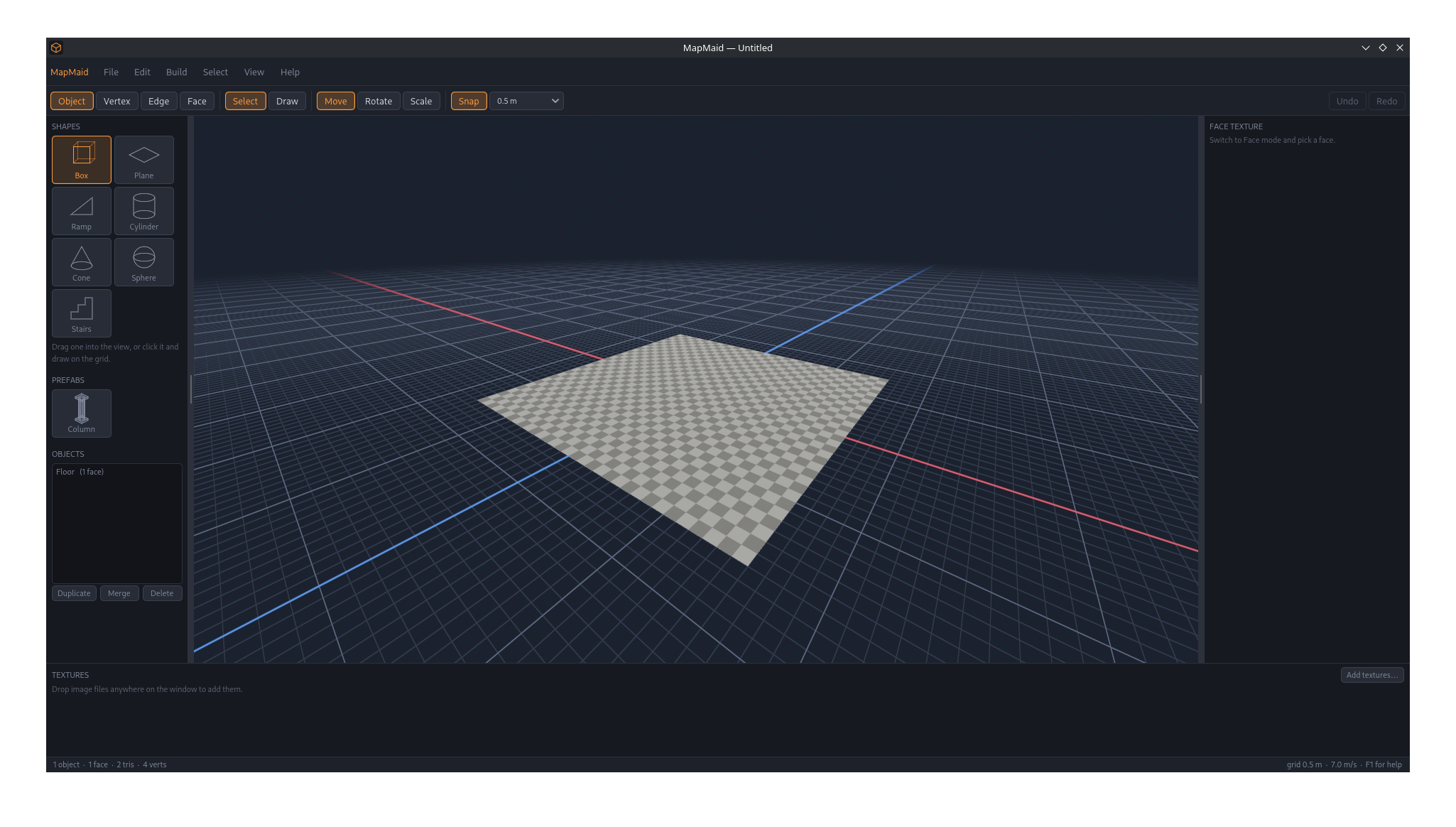
MapMaid is a standalone level-architecture editor for 3D games. It works like ProBuilder, but it's its own program and only does the part a blockout needs: geometry and textures. There are no entities, scripts or game logic. You build the space, texture it, and take it into whatever engine you use as OBJ or glTF.
Build by dragging
- Drag a shape into the view. Box, plane, ramp, cylinder, cone, sphere or stairs, snapped to the grid and set down on whatever surface is under the cursor.
- Or draw it. Outline a footprint on the grid, then pull up the height, Hammer-style.
- Fly like noclip. Hold right mouse and use WASD to fly wherever you're looking.
Edit like a modeller
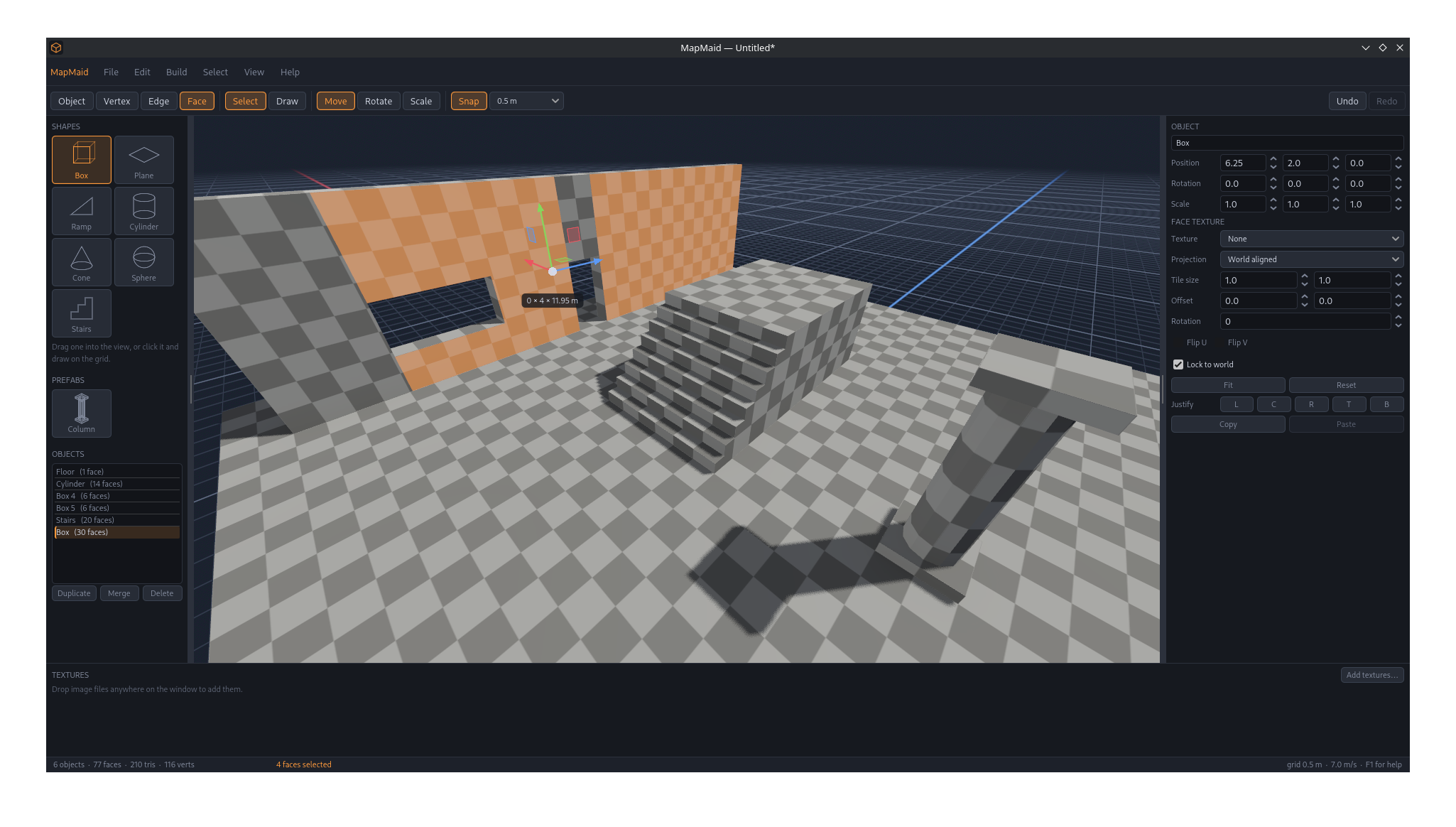
- Object, vertex, edge and face modes, with move, rotate and scale gizmos.
- Extrude, inset, bevel, subdivide, bridge, weld, collapse, flip, detach, mirror and merge.
- Set amounts with the mouse or type them. Drag to size an extrude or bevel, or type 0.35 to get it exact. Hold Shift for fine control, Alt to ignore the grid. If you change your mind afterwards, the last operation can still be adjusted.
- Snap to other geometry. Hold Ctrl while moving to lock onto a vertex of other geometry. The grid goes down to 3 cm for detail work.
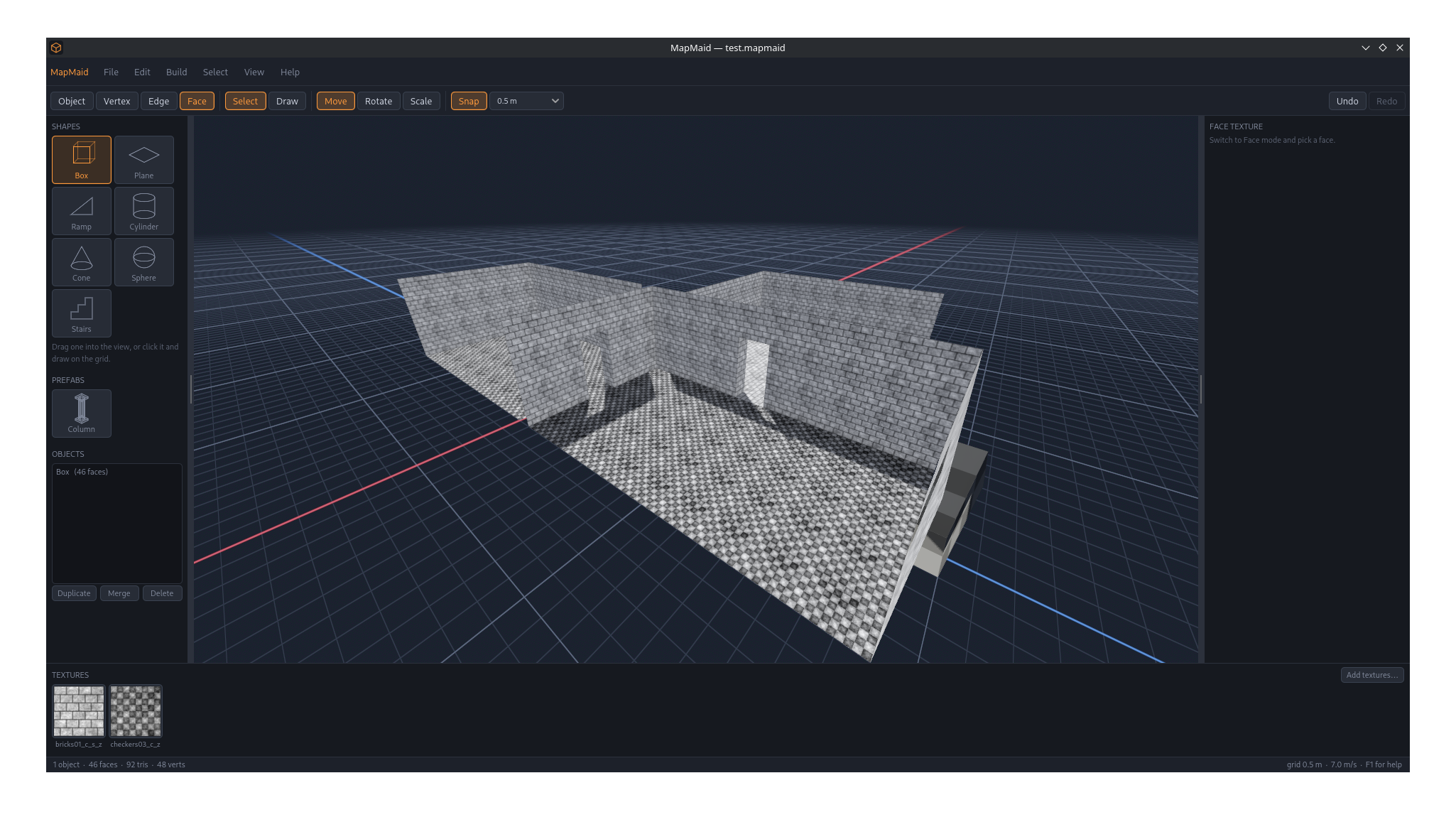
- Doors and windows in one step. Pick a wall, choose a preset or type a size, and the opening is cut straight through with a live preview. That includes doors down to the floor and several openings in one wall.
- Repeat work. Duplicate, move, then Shift+R lays out a whole row. Arrays have an exact count and spacing.
- Prefabs. Save a door frame or a column once, then drag it into any map.
Textures that line up
- Drop image files onto the window and they're ready to use.
- Drag a texture onto a face, or pick one up from a face and paint it across others.
- Textures are world-aligned by default, so a longer wall shows more brick instead of stretched brick, and neighbouring walls line up at the seam automatically.
- Each face has its own tile size, offset, rotation and projection.
Check the scale
- Walk the level (F5) as a player-sized character with gravity, jumping and stairs. You'll see whether a door is wide enough or a ledge is too high before you take the level into your engine.
- Top, front and side views for planning layouts.
Export anywhere
- OBJ + MTL keeps your polygons and copies the textures alongside.
- GLB / glTF works with Godot, Unity, Unreal, Blender and anything else that reads glTF.
- Projects are plain JSON files, and unsaved work is recovered after a crash.
Requirements
- Windows 10/11 64-bit with a DirectX 12 graphics card, or
- Linux 64-bit with a Vulkan-capable graphics card
Press F1 in the app for the full keyboard and mouse reference.
Download
Leave a comment
Log in with itch.io to leave a comment.